


The slowest part of any subscription tracker is the first ten minutes, when you type everything in. Most apps solve that by asking for your bank login or your inbox. Subwise asks for a screenshot, so you can track your subscriptions without linking a bank account.
How to add subscriptions from a screenshot
- Take the screenshot. For everything you pay through Apple, open Settings on your iPhone, tap your name, then tap Subscriptions, and screenshot the list. A receipt works too.
- Open Subwise. Tap Add Subscription, then Add from a screenshot.
- Pick up to five images. If your list is long, take a few shorter screenshots.
- Review the list. Subwise shows what it found, with names and prices. Tick the ones you want and confirm.
Nothing is added until you confirm.
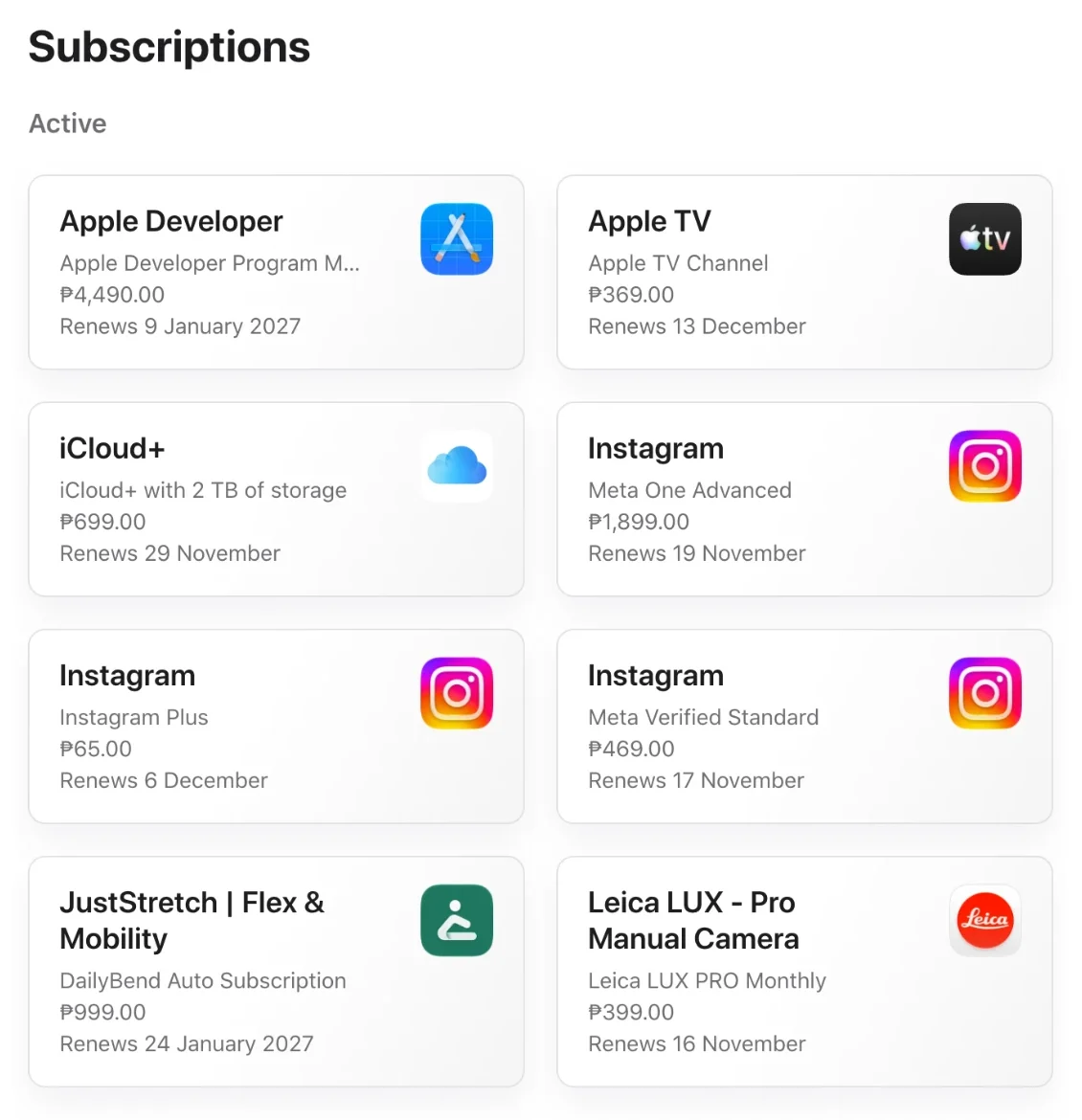
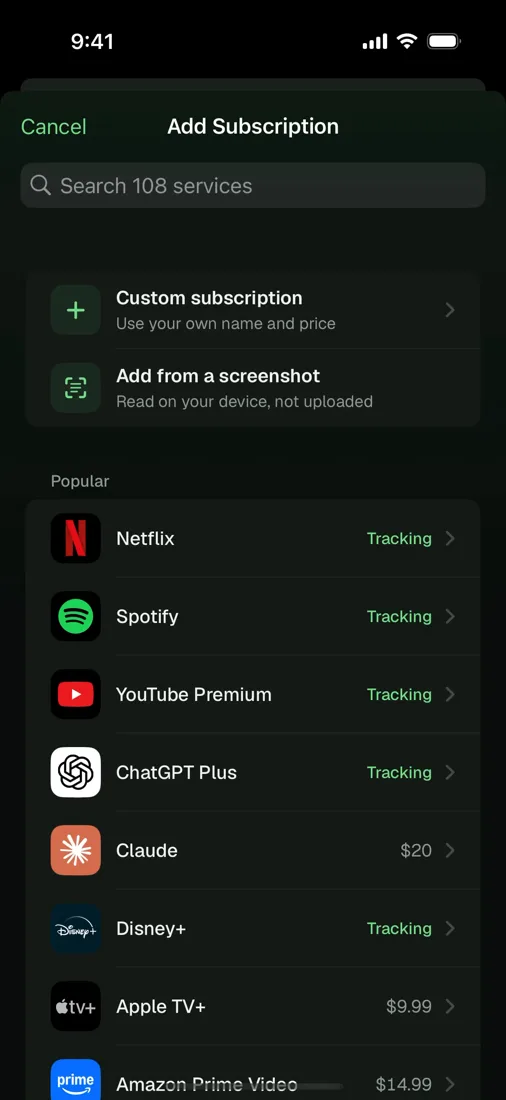
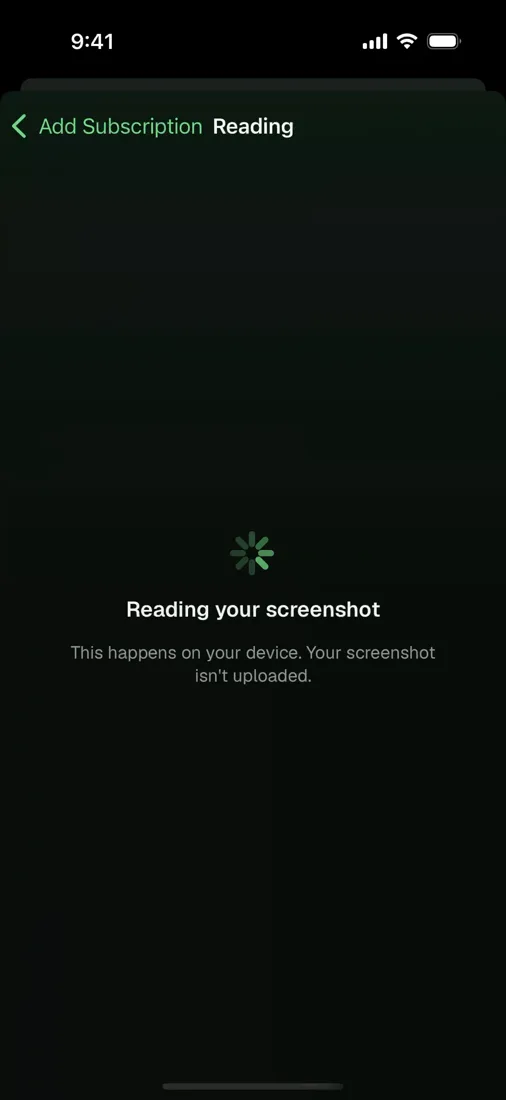
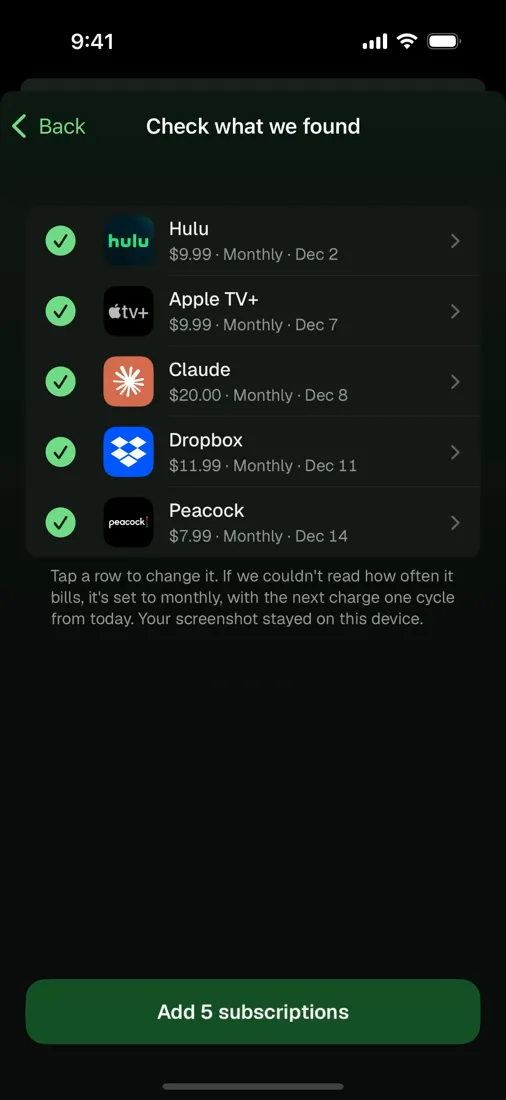
The picker is the standard iOS one, so Subwise never gets access to your photo library. It only sees the images you hand it.
It stays on your iPhone
The screenshots are read on the device and are never uploaded.
Apple's text recognition finds the words. On iPhones that have Apple Intelligence, running iOS 26, the on-device model then works out which words are a service and which are a price. On every other iPhone, a simpler reader built into Subwise does that job. Both run on the phone.
A blank price beats a wrong one
A model that reads a messy screenshot will sometimes fill a gap with something plausible. In a money app, that's the worst thing it could do. You'd fix an empty price straight away. You might never notice a wrong one.
So Subwise checks the model's answer against the text it actually read. If a name or a price doesn't appear in your screenshot, it's dropped. A row with no price can't be ticked until you type one in.
Three smaller rules follow the same idea:
- Plans marked "Expires" are left out. They've already been cancelled and won't renew.
- Services you already track start unticked, so you don't add Netflix twice.
- Unknown services get an initial, not a guessed logo. The wrong logo next to a charge is its own kind of wrong answer.
A subscription tracker without your bank or email
We looked at reading receipts from Gmail instead. It would have meant asking for access to your whole inbox, which is far more trust than a list of subscriptions needs. It also needs a yearly security review from Google and a server to do the reading.
A screenshot shows us only what's in the picture, and only for as long as it takes to read it.
What it can't do
It won't find a subscription that isn't in your screenshots. Anything billed straight to your card, outside Apple, still needs its own screenshot or a few seconds of typing. Our guide to writing your own subscription receipt covers where to look, and the subscriptions people forget covers what usually gets missed.
And like the rest of Subwise, it can't cancel anything for you.
Add from a screenshot is in Subwise for iPhone and iPad, on the App Store.